The Lost Son

The Lost Son

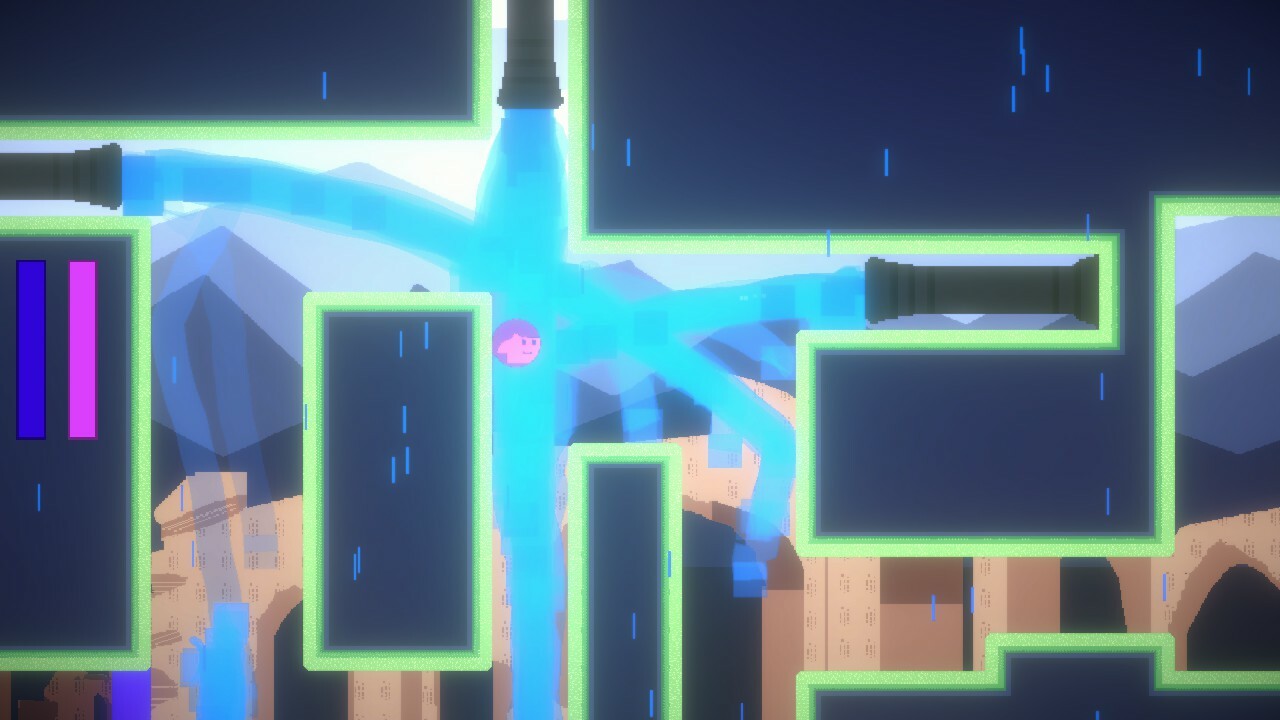
The Lost Son is a short but challenging indie puzzle platformer game tease. Have your wits about you and use both characters to decode the cyber ruins and find your lost son!

Free
Available on: 🪟
Developer: Cross Coder
Publisher: Cross Coder
Release Date: (1 year ago)
Game Details

Estimated Owners
0 - 0
🌐 Official Website: linktr.ee
📧 Support Email: [email protected]

About This Game

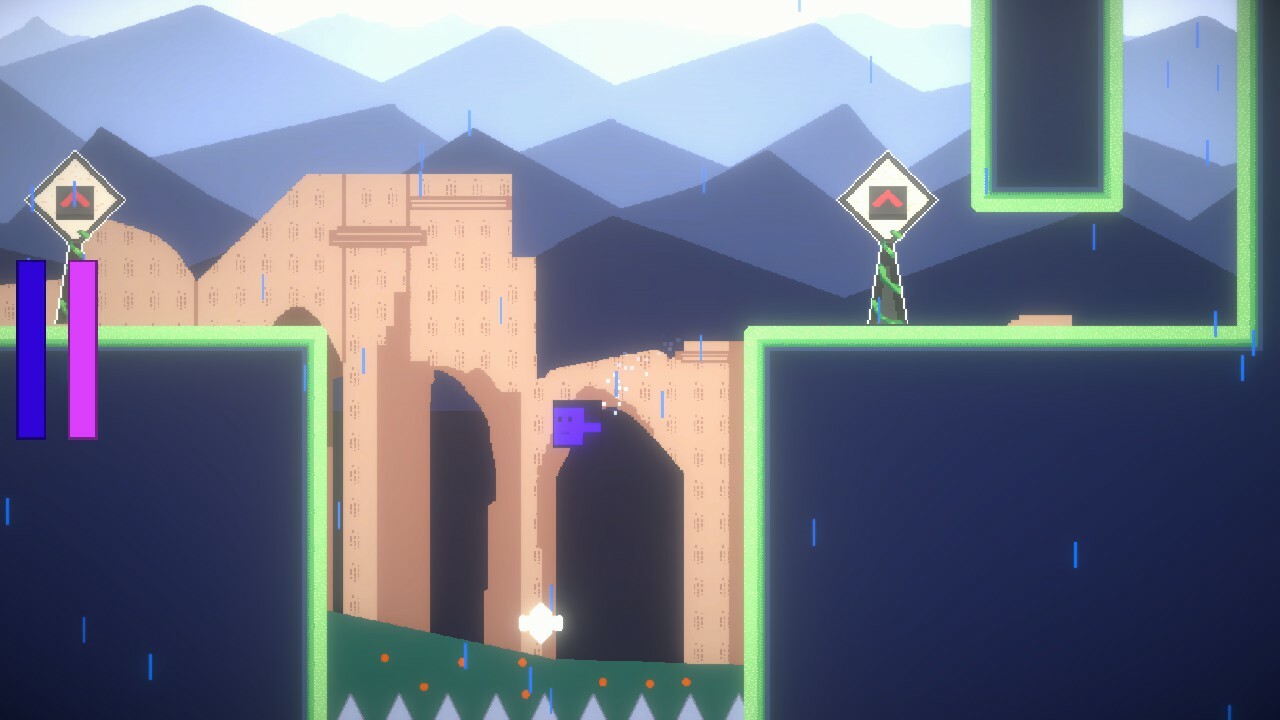
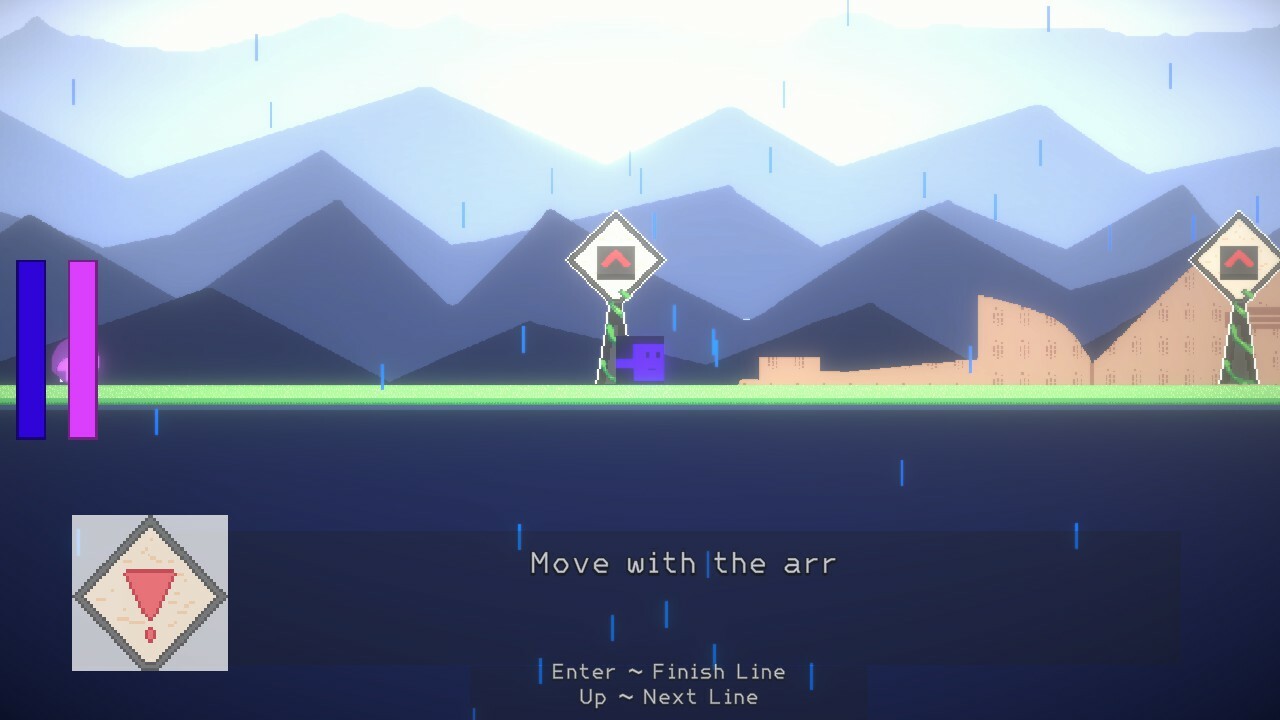
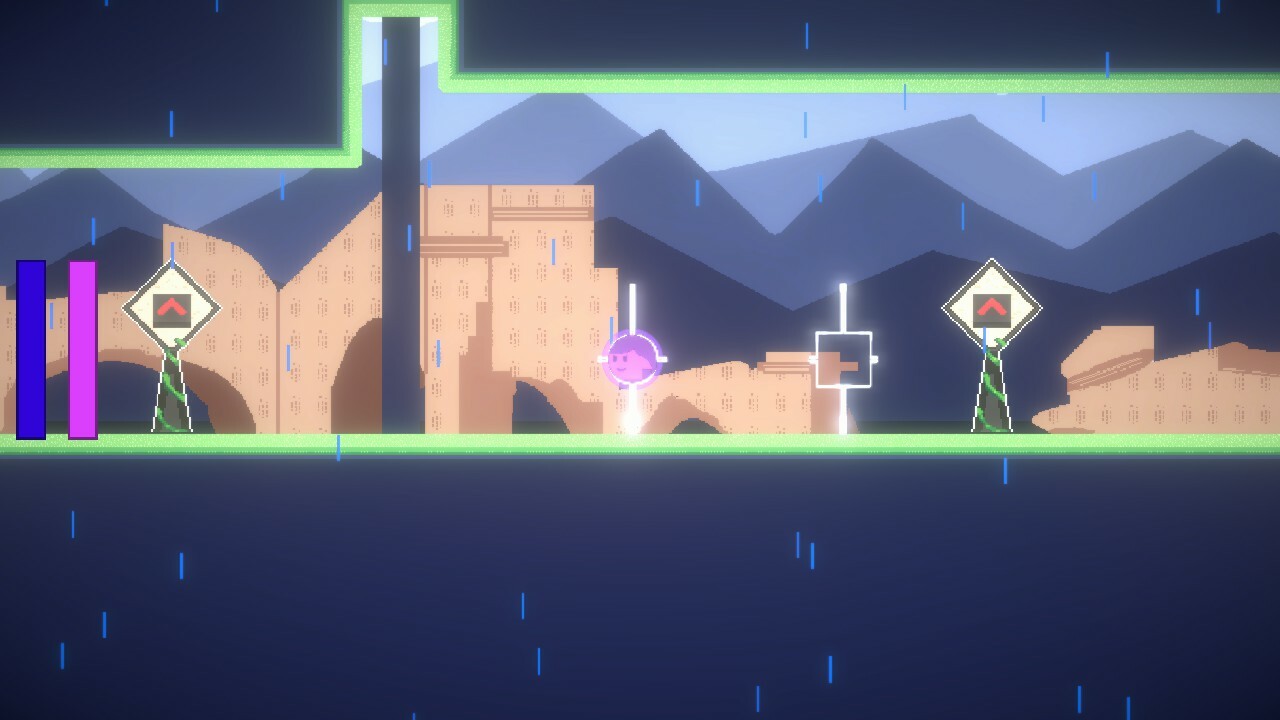
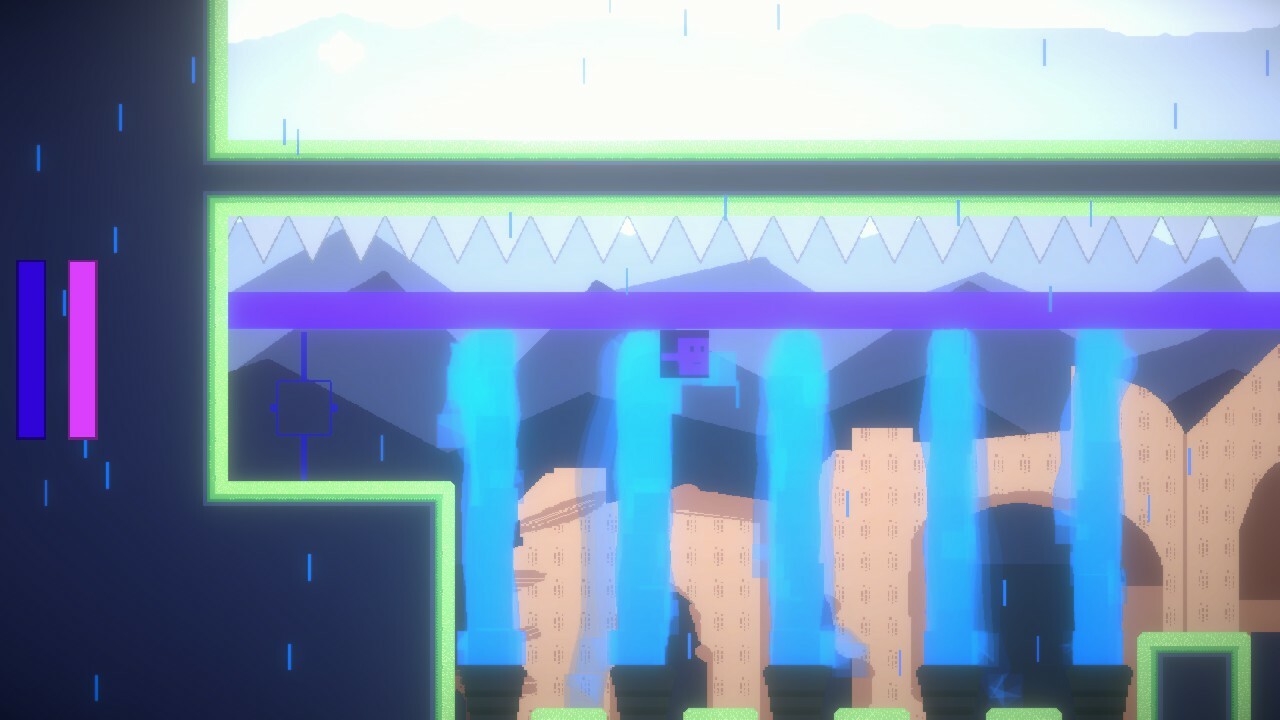
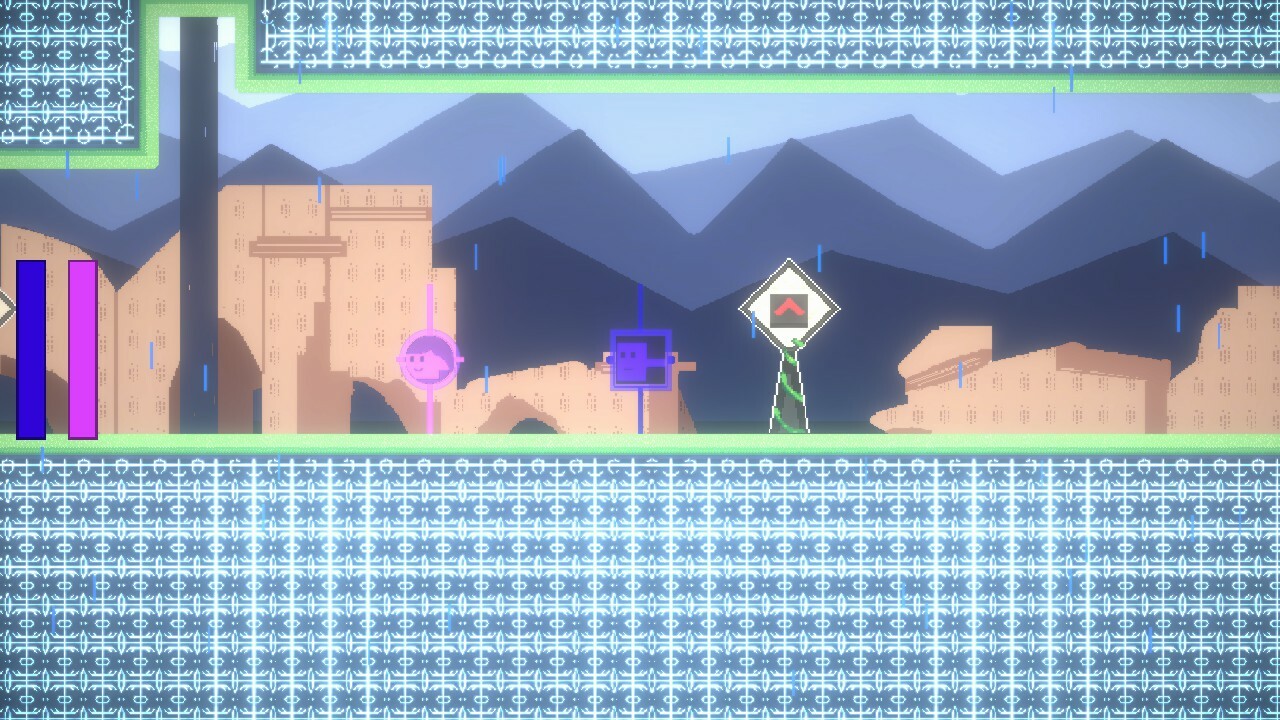
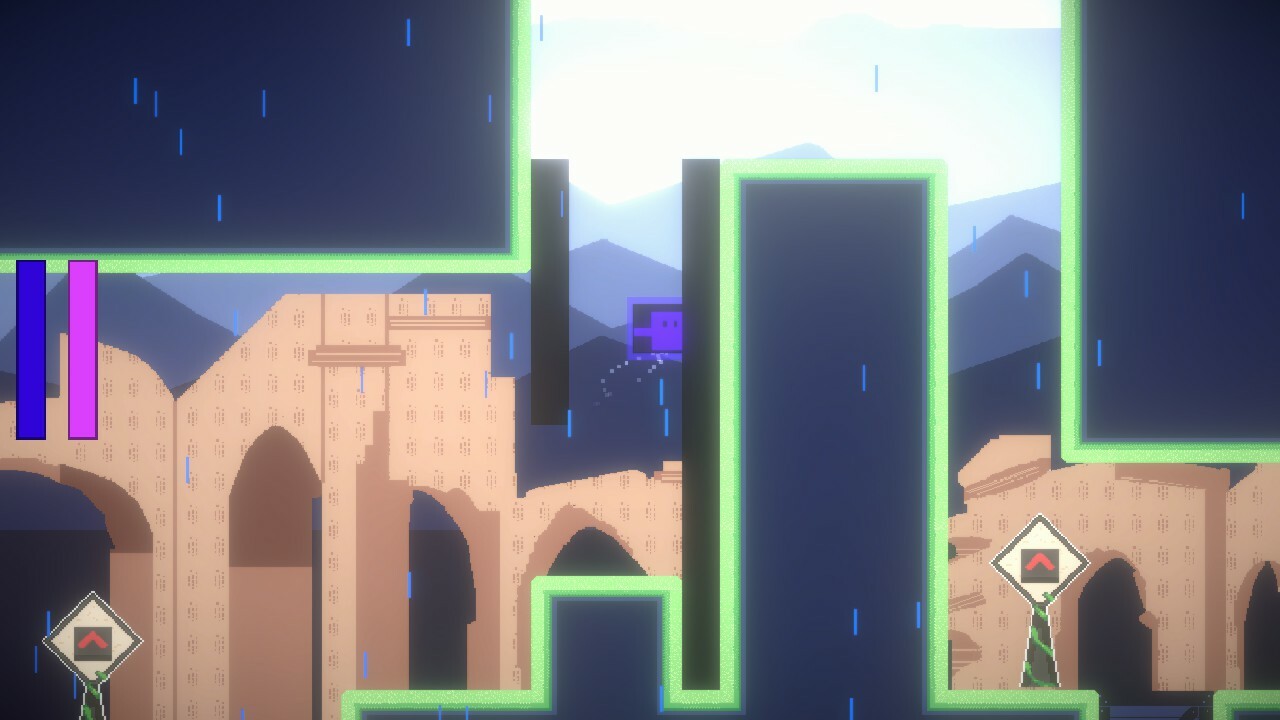
Story Sean and Belle are on their way to visit their son for his birthday but suddenly they wake up in a mysterious world. Lost and confused, the couple ventures out into the unknown to find out where they are and where their son is. Gameplay In The Lost Son is a puzzle platformer where you play as two characters that you can switch between. Each character has a unique interaction with color. The blue character can only collide with blue barriers and pink circle can only collide with pink barriers. As simple as this constraint is it can create some interesting puzzles where you have to use both character's unique abilities to progress! Solo Mode Ready to take on the challenge all alone with that big brain of yours? In solo mode character switching is the key. Make sure to use both character's unique attributes and abilities to advance through the levels! Work Together Want to play with a friend? We've got you covered! In The Lost Son you can connect a controller to the game and it will automatically enter split-screen! Work together to beat the stages and have a blast! (Only works is there is one keyboard and one controller at the moment). Required - Keyboard & Mouse Co-op - A Keyboard & Mouse for the first player, and a controller for the 2nd player Keyboard Controls Move - Arrow Keys/A and D Switch Characters (only in single player mode) - Tab Pause - Escape Jump - Z/Space Stomp Attack - X/S Air Dash - C/Left Click Gamepad (2nd Player Only) D-Pad/Left Stick - Move Button South - Jump Button North - Air Dash Button East - Stomp Attack
2 min read

Videos & Trailers

Screenshots

Categories

Single-player

Supported Languages

English